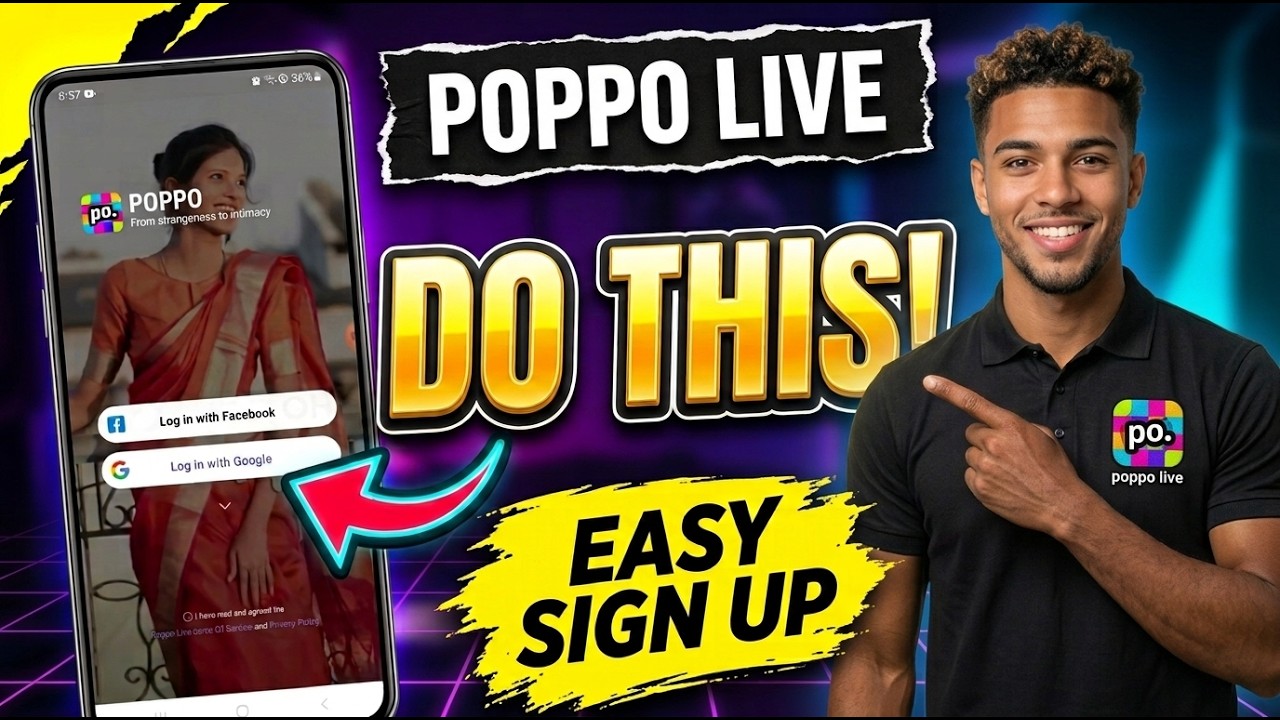
Are you new to Poppo Live and wondering how to create an account? Getting started is simple! In this guide, we’ll walk you through the process of signing up for Poppo Live, from downloading the official app to confirming that your account has been created successfully.
Follow the steps below to set up your Poppo Live account and start exploring the platform.
Step 1: Download the Official Poppo Live App
Before creating your account, make sure you have downloaded the official Poppo Live application on your mobile device.
Once the installation is complete, tap the app icon to open it and begin the registration process. Always download the application from an official source to help protect your account and personal information.
Step 2: Accept the Terms of Service and Privacy Policy
When you open Poppo Live for the first time, you’ll see the terms of service and privacy policy on the welcome screen.
Read these documents and tap the small circle at the bottom of the screen to indicate your agreement. This will allow you to proceed to the available login and registration options.
Step 3: Choose Your Registration Method
Poppo Live offers different sign-in options, depending on the methods available in your application.
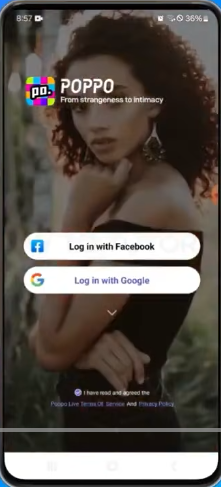
For this tutorial, we’ll use a Google account as an example.
- Select the Google login option.
- Tap Log in with Google.
- Choose the Google account you want to use, or follow the on-screen instructions to sign in.
Once the authentication process is complete, you can continue with the account setup.
Step 4: Enable Notifications and Allow Permissions
After signing in, you may see a pop-up asking whether you want to enable notifications.
Tap Confirm if you would like to receive notifications from Poppo Live. Follow any additional permission prompts displayed by the application.
Notifications can help you stay informed about updates and relevant activities. You can manage notification permissions later through your device settings if needed.
Step 5: Verify Your Poppo Live Account
Once you’ve completed the registration process, your account should be ready to use.
To confirm that your account has been created successfully, follow these steps:
- Open the Poppo Live application.
- Tap the Profile icon in the bottom-right corner of the screen.
- Check your profile page to confirm that your account is accessible.
Congratulations! You have completed the basic Poppo Live account registration process.
What Can You Do After Creating a Poppo Live Account?
After signing up, you can explore the Poppo Live platform, personalize your profile, discover livestreams, and learn about the app’s available features.
If you’re interested in becoming a livestream host or starting your own agency, you can explore the relevant features and requirements within the application.
Conclusion
Creating a Poppo Live account is straightforward. Download the official app, accept the terms of service and privacy policy, sign in using an available registration method, complete any necessary prompts, and check your profile to confirm that your account is accessible.
We hope this step-by-step guide has helped you get started!
Stay connected with PoppoLive.xyz for more Poppo Live tutorials, beginner-friendly guides, and helpful tips to help you make the most of the platform.